AI One Page Generator
Paste notes, reports, data, or ideas. Snipka turns them into editable one-page visuals: diagrams, flowcharts, mind maps, charts, and infographics for slides, reports, and social posts.
Create your one-page visual
One prompt becomes a structured, editable one-pager
Choose the right one-page format
AI maps your text into the one-page visual type that fits the content: diagram, flowchart, mind map, chart, infographic, or slide visual.
One-page diagram
Explain concepts and relationships in one page
One-page flowchart
Map workflows into a shareable process visual
One-page mind map
Organize notes and ideas around a central topic
One-page chart
Turn numbers and insights into a compact visual
One-page infographic
Combine key points into a publishable one-pager
Slide visual
Create a one-page graphic ready for decks
Edit, adapt, and export
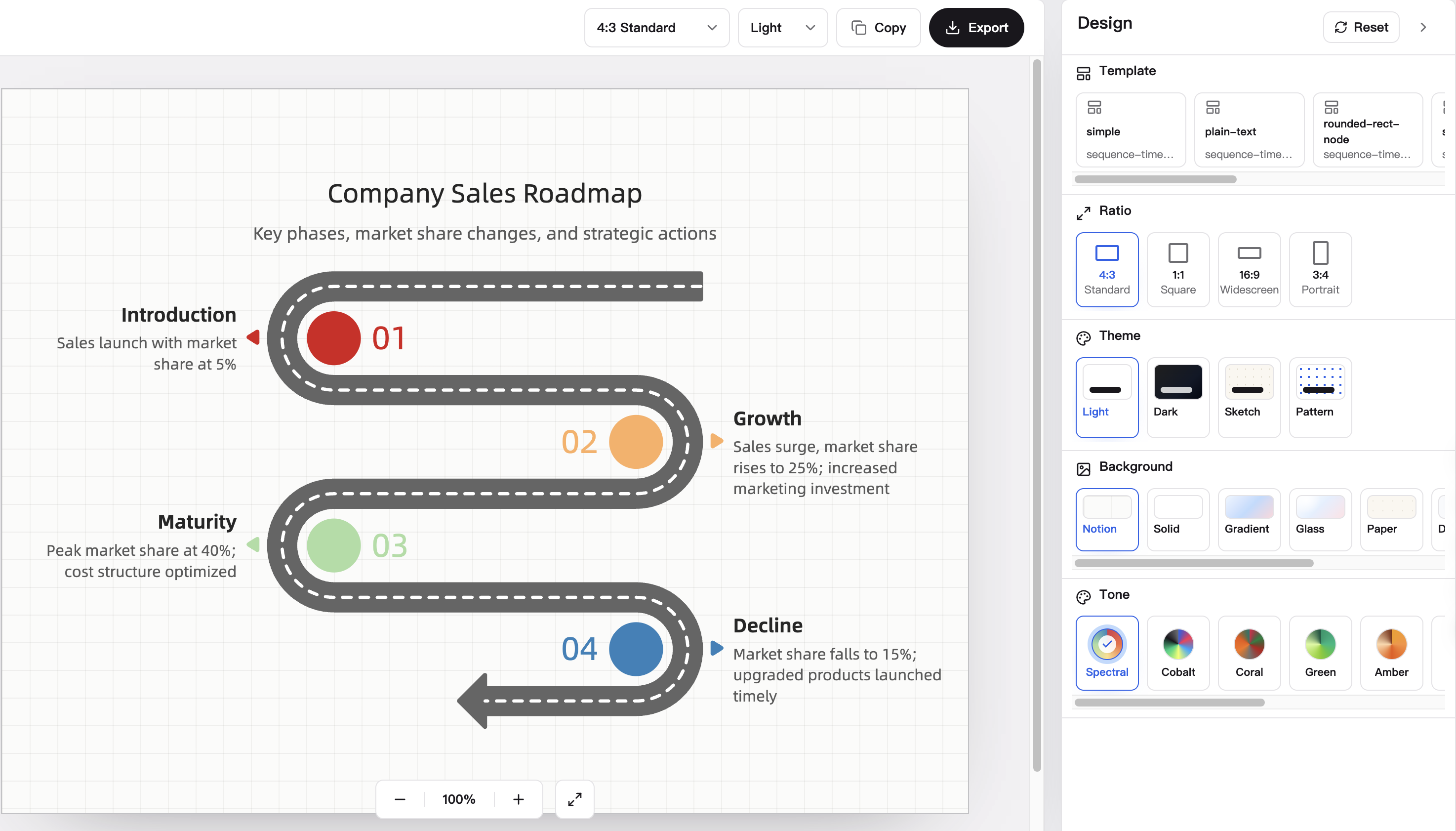
Change the ratio for slides, reports, or social posts; set a publish-ready background; edit the SVG surface; then export PNG or SVG for PPT, reports, and social media.
FAQ
What is an AI one page generator?
It turns raw text into one editable visual page, such as a diagram, flowchart, mind map, chart, infographic, or slide-ready visual.
What types of one-page visuals can I generate?
Snipka can create different one-page visual components from the same text, including diagrams, flowcharts, mind maps, charts, infographics, and presentation visuals.
Who is the one page generator built for?
It is built for product teams, marketers, founders, consultants, analysts, educators, and creators who need to explain ideas, plans, research, or metrics without starting from a blank design canvas.
What text can I turn into a one-page visual?
You can paste meeting notes, product briefs, research summaries, strategy docs, metric updates, lesson outlines, campaign ideas, or a short prompt that describes the visual you need.
Can I change the ratio for slides, reports, or social posts?
Yes. Change the one-pager ratio to fit slide decks, report pages, square social posts, or vertical social formats.
Can I customize the background before publishing?
Yes. Background controls are applied to the real SVG surface, so the one-pager can be published, embedded, or exported with the intended look.
Can I edit the generated one-pager?
Yes. Snipka creates an editable structured SVG instead of a flat AI image, so you can keep refining the text, layout, and design.
Do I need design skills to use it?
No. Start with text, let AI choose the structure, then use the workspace controls to adjust the type, ratio, background, theme, color tone, and export format.
What file formats can I export for real work?
Export the one-page visual as PNG or SVG, then use it in PPT decks, reports, documentation, landing pages, or social media posts.
Is Snipka free, and do I need to log in?
Yes. Snipka is free to use for generating, editing, and exporting one-page visuals. You can start without creating an account or logging in.
What is Snipka built on?
Snipka is adapted from the open-source AntV Infographic project: https://github.com/antvis/Infographic. We are grateful to the AntV team and contributors.
Turn text into an editable one-page visual
Generate a structured one-pager, refine it online, and export it for real work.